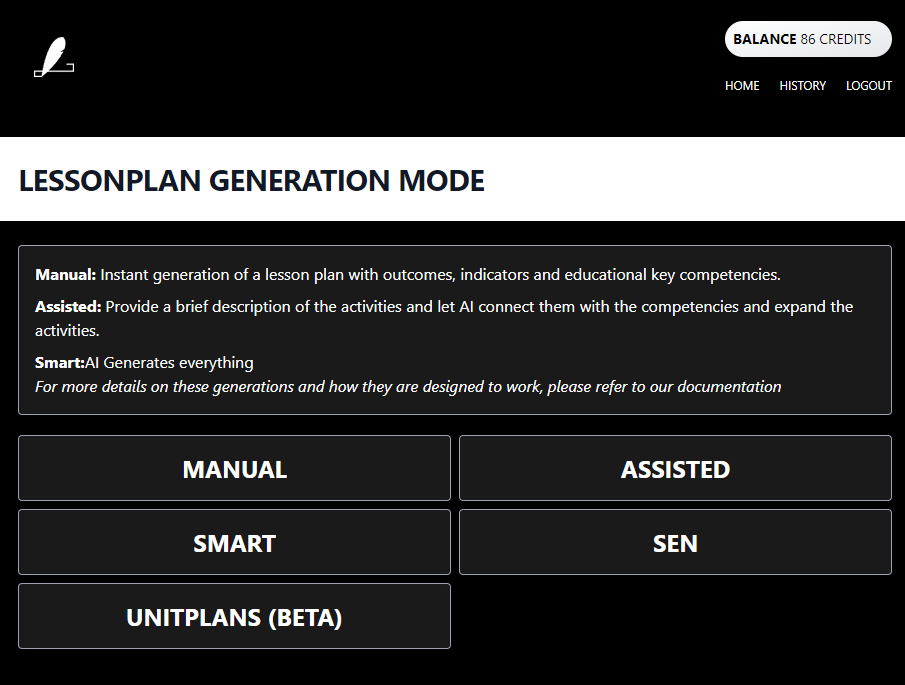
A lot of improvement will be made to the user interface as we move forward. This is the current state of the user interface.
This is the multi-page printable view of this section. Click here to print.
A lot of improvement will be made to the user interface as we move forward. This is the current state of the user interface.
This is the page on lessonfuse.com
There are two main buttons on the page.
One for Launching the application and one for viewing the documentation.
Once you click the Launch App button you will be taken to the login page if you are not already logged in.
See the login page for more information on the login process.
After you are logged in you will be taken to the main interface.
The main interface has a set of buttons along with a description at the top.
The buttons include, the generation modes and the unitplan button.
This will be divided up into sections soon.
You will also be redirected to the main interface if you click on the Home Menu item from the menu.
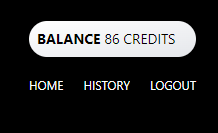
The menu on top has 3 main links. Home, History and Logout.
Home takes you back to the main interface.
History will show every lesson plan you have generated and their status and how long ago they were generated.
Logout will log you out of the application.
The history page will show you all the lesson plans you have generated and their status.
The status will be one of the following:
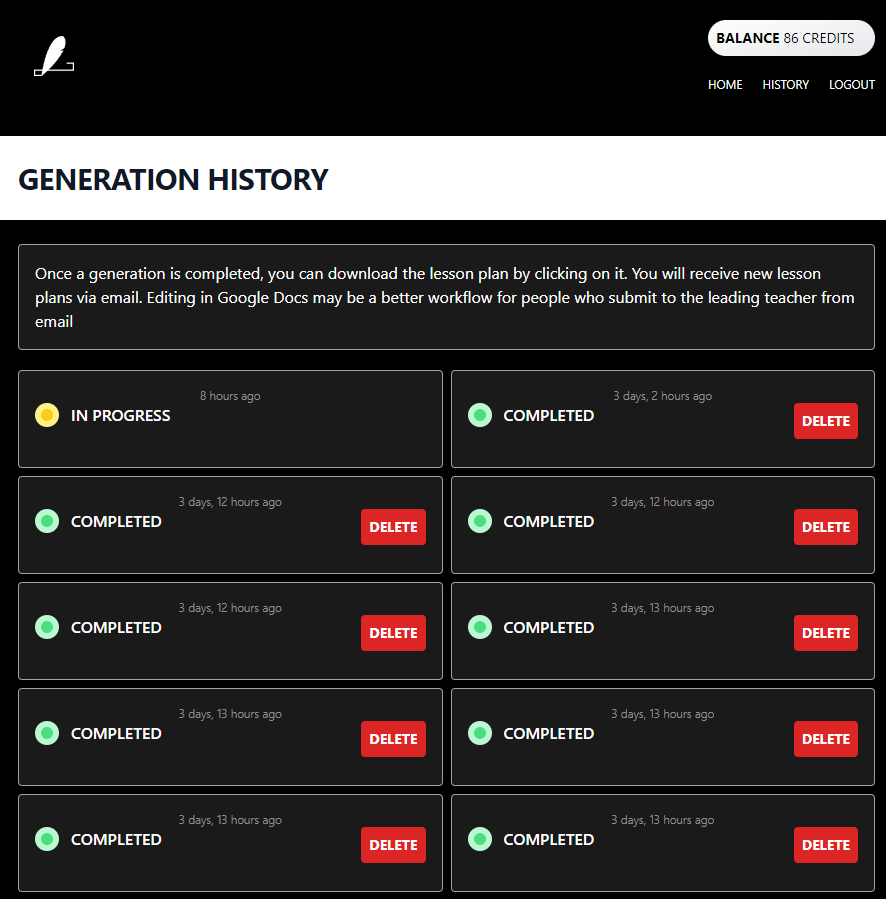
Lessonplans that are Completed and Failed can be deleted. Lessonplans that are In Progress cannot be deleted.
For completed you can click on the lessonplan and it will download the lessonplan in a word document format.
The login process is entering the email and getting a link to your email.
Once you click the link you will be logged in.
If you are not registered you maybe redirected to our community message or the docs.
We have been asked to not make lessonfuse available for student teachers.
The only way to register is to contact us and pay the subscription fee.
You should also provide an edu.mv email address that belongs to a school.
You can contact us on viber / telegram on the number 7873673 to get access after paying the subscription fee.
See Pricing for more information.